 Joint Rotary Actuators Series HAT
 Joint Rotary Actuators series HAS
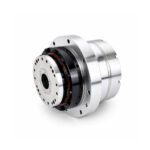 Joint Rotary Actuators Series HAMF
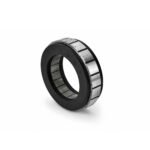 Frameless Torque Motor HBM
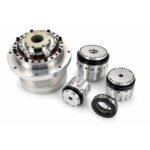 Rotary Actuators
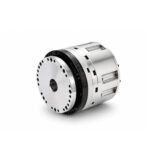 Joint Rotary Actuators Series HAG
 Rotary Actuators Series HPG

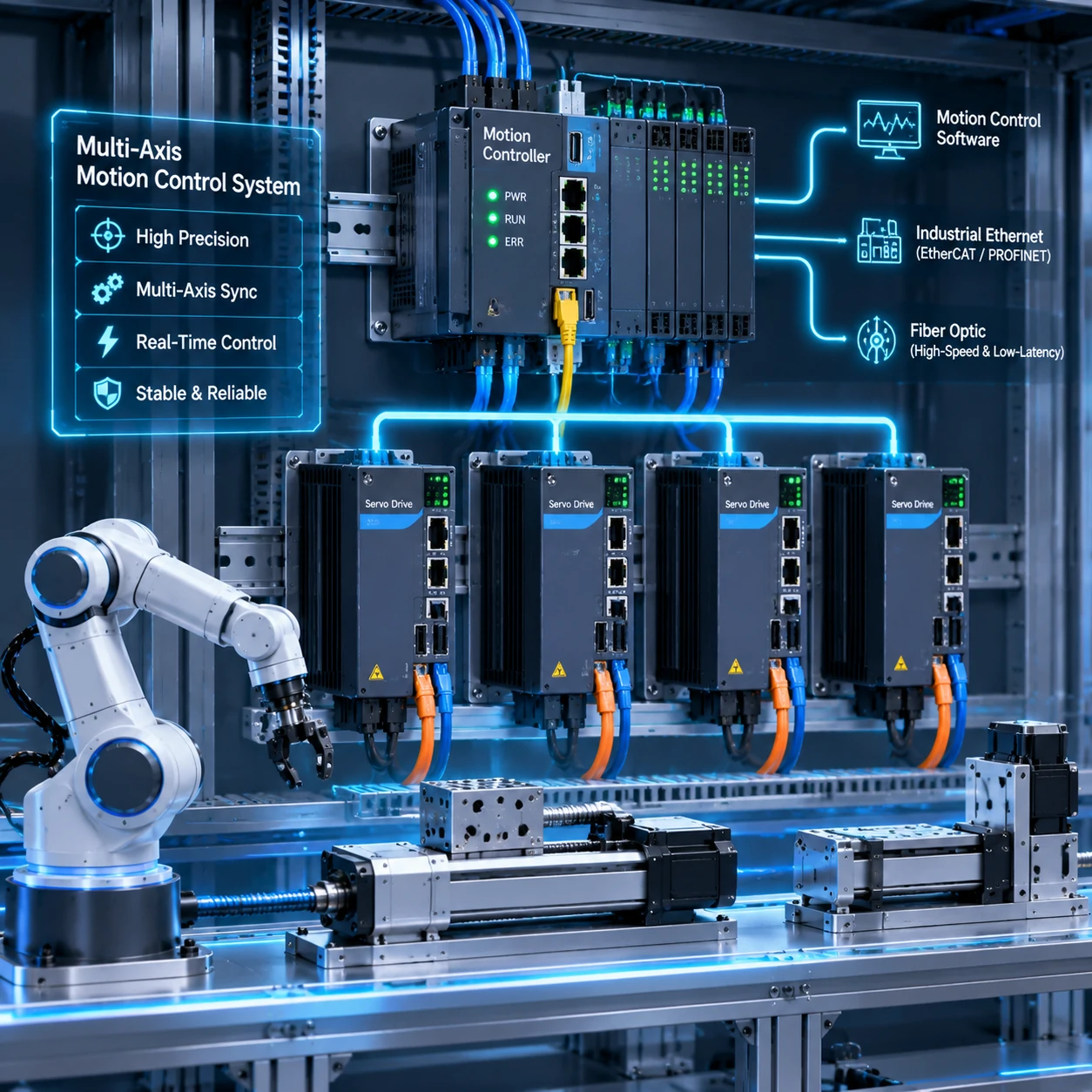
Introduction: The Brain Behind Multi-Axis Coordination
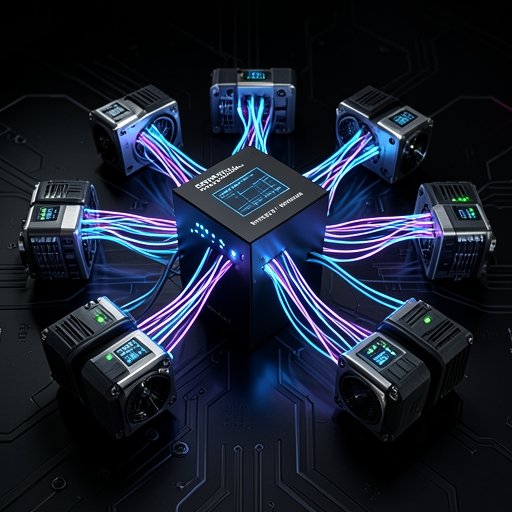
Modern industrial machinery has evolved far beyond simple single-axis movements. Whether building a 5-axis CNC machining center, a multi-joint robotic arm, or a synchronized packaging line, today’s automated systems require multiple axes to move in absolute, microscopic harmony.
At the center of this complex choreography lies the digital “brain” of the machine: the motion controller. Selecting the right motion controller is one of the most consequential architectural decisions an engineering team will make. Choose poorly, and you will struggle with network jitter, axis synchronization errors, and programming bottlenecks. This guide breaks down the core considerations required to choose the ideal controller for your multi-axis system.
Understanding the Core Demands of Multi-Axis Control
Before evaluating specific hardware architectures, you must define the dynamic and computational demands of your machine.
Microsecond-Level Synchronization Across All Axes
In applications involving circular or 3D path interpolation, axes cannot simply move independently; they must be mathematically locked together. If an axis lags by even a fraction of a millisecond, the resulting toolpath or robotic trajectory will distort. A capable controller must execute kinematics and interpolation algorithms at sub-millisecond update rates, broadcasting synchronized target coordinates to every servo drive simultaneously.
Handling Complex Kinematic Transformations (CNC and Robotics)
Controlling a standard Cartesian gantry (X-Y-Z) is mathematically straightforward. However, controlling articulated robotic arms, delta robots, or multi-axis rotary tables requires complex “kinematic transformations”—translating Cartesian coordinates (
X,Y,ZX,Y,Z) into joint angles (
θ1,θ2,θ3θ1,θ2,θ3). Your motion controller must have the processing power to handle these intensive mathematical matrices in real-time without choking.
Comparing Controller Architectures: Standalone vs. PLC vs. PC-Based
Motion controllers generally fall into three distinct hardware and software architectural categories.
Standalone Motion Controllers: Dedicated Processing Power
Standalone controllers house their own dedicated CPU and operating system, functioning independently from the main factory PLC. They communicate with drives via high-speed fieldbuses.
- Pros: Exceptional processing power, highly specialized motion instructions, and immunity to general-purpose operating system lag.
- Cons: Requires an additional communication layer if interfacing with a separate plant PLC.
PLC-Based Motion Modules: Seamless Factory Integration
Many major automation vendors offer motion control as plug-in coprocessor modules that slide directly into a standard Programmable Logic Controller (PLC) rack.
- Pros: Unified programming environment for both logic (ladder logic/structured text) and motion; fewer distinct hardware boxes inside the control panel.
- Cons: Limited by the backplane communication speed of the specific PLC rack and often more expensive for high-axis-count specialized robotics.
PC-Based (Soft-PLC) Controllers: Flexibility and Advanced HMI
PC-based motion control runs real-time software kernels (RTOS) directly on standard industrial PC hardware.
- Pros: Incredible computing capacity, easy integration with advanced machine vision, database logging, and custom HMI interfaces.
- Cons: Requires specialized IT/OT cybersecurity management and meticulous setup of real-time operating system patches.
Key Factors in Motion Controller Selection
When narrowing down your hardware options for industrial automation, evaluate these three essential criteria.
Bus Protocol Compatibility (EtherCAT, CANopen, Ethernet/IP)
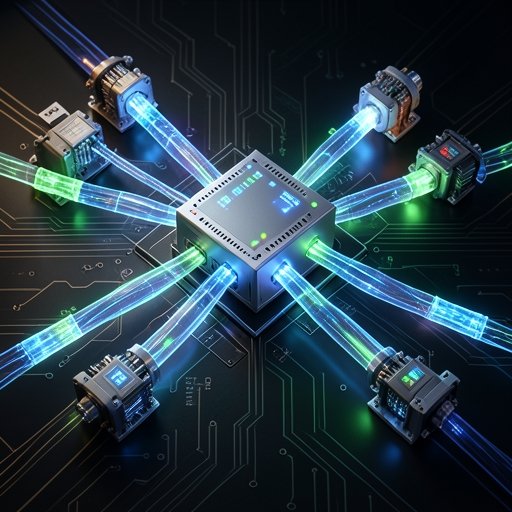
Your controller must speak the same language as your actuators and drives. Real-time industrial Ethernet protocols like EtherCAT have become the gold standard for multi-axis synchronization due to their high bandwidth and low jitter. Ensure your chosen controller natively supports the communication stack required by your hardware ecosystem.
Scalability and Axis Count Expansion Limits
Always look ahead. If your machine currently requires 4 axes, but your product roadmap includes a future 8-axis variant, select a controller architecture that scales smoothly via software license upgrades or modular expansion cards without requiring a total software rewrite.
Programming Ecosystem (IEC 61131-3, C++, G-Code)
Consider your software team’s core competencies. Does the controller support standard IEC 61131-3 languages (Structured Text, Ladder Diagram)? Does it require specialized motion libraries? For CNC applications, native G-code interpretation is mandatory, whereas robotics usually benefits from powerful matrix math and kinematics function blocks.
Bridging the Controller and the Actuator
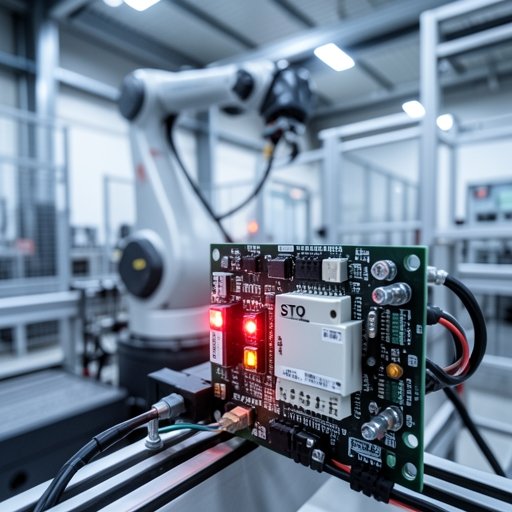
A brilliant controller is only as effective as the physical hardware executing its commands.
Ensuring Low-Latency Command Execution
Even with a high-end controller, poor network cabling or slow drive response times will introduce latency. The entire chain—from the controller’s CPU, across the network bus, through the servo drive, to the motor shaft—must be optimized for low phase lag to achieve true trajectory fidelity.
Diagnosing Tracking Errors and Communication Dropouts
Modern controllers provide powerful diagnostic tools, such as software oscilloscope tracing. Utilizing these scopes allows you to monitor command position versus actual encoder feedback in real-time, helping you catch tracking errors, tuning mismatches, or packet loss before they result in machine crashes.
Conclusion: Architecting for Success
Selecting a motion controller is about much more than counting the number of axis ports on a spec sheet. It is about matching your machine’s physical kinematics, data processing needs, and software ecosystem into a cohesive, deterministic network.
By carefully evaluating standalone, PLC-based, and PC-based architectures against your project’s scaling and protocol requirements, you build a robust technological foundation. When the brain of your machine is properly matched to its mechanical actuators, multi-axis coordination transforms from a complex engineering hurdle into a seamless, reliable reality.
FAQ Section: Motion Controller Selection Q&A
Q1: How do I know if my motion controller can handle the axis count of my planned machine?
Check the manufacturer’s performance specifications for the maximum number of “interpolated axes,” not just total supported axes. A controller might support 32 physical axes, but if it can only interpolate 4 axes simultaneously in a coordinated 3D path, it will fail in complex robotic or multi-axis CNC applications.
Q2: Is it better to use a dedicated motion controller or an all-in-one PLC module for robotics?
For complex robotics involving intensive kinematic calculations and fast cycle times, a dedicated motion controller or a high-end PC-based Soft-PLC is usually preferred due to specialized mathematical processing units. For standard packaging lines or synchronized conveyors, an all-in-one PLC motion module offers simpler programming and reduced panel space.
Q3: How do communication protocols like EtherCAT simplify multi-axis wiring at the controller level?
Protocols like EtherCAT utilize a simple line or ring topology (daisy-chaining), meaning you run a single Ethernet cable from the controller to the first drive, and then loop it sequentially from drive to drive. This eliminates the massive multi-cable star wiring harnesses required by older pulse/direction or analog control systems.